

Auto Link Documents automatically converts document titles mentioned inside your content into clickable links that point to their respective documentation pages.

How to enable or disable
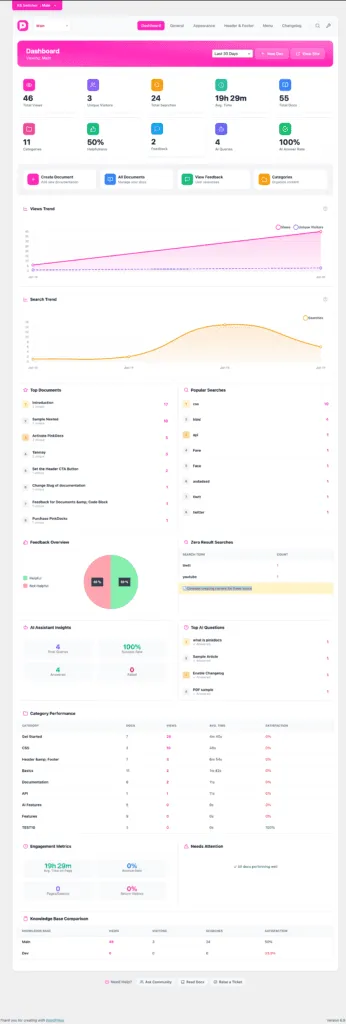
- Go to WordPress Admin → PinkDocs → PinkDocs (Dashboard)
- Use the KB Switcher to select the knowledge base you want to configure
- Open the General tab
- Find Auto Link Documents
- Toggle it ON to automatically link document titles
- Toggle it OFF to keep titles as plain text
- Set the max number of links per article, default is set to 5.
- Once done, save settings.
Important notes
- This setting applies only to the selected knowledge base
- Links are created only when the document title matches exactly
- Existing content updates automatically once the setting is enabled
Was this page helpful?
Great! What worked best for you?
Please
provide
additional details about your experience.
✓ Thank you for your feedback! We appreciate your input.