System Requirements
Getting Started with System Requirements
Welcome and Overview
Welcome to the comprehensive guide on system requirements for our application. This document is designed for developers and provides detailed information on the necessary server, development, and browser requirements to ensure a smooth installation and optimal performance of the application.
Quick Setup Steps
- Ensure your server meets the Server Requirements.
- Set up the development environment as per the Development Requirements.
- Configure optional features by acquiring the OpenAI API key if you plan to use AI functionalities.
- Verify the Browser Requirements for optimal user experience.
- Follow the Installation Requirements to set up the application successfully.
System Requirements
Server Requirements
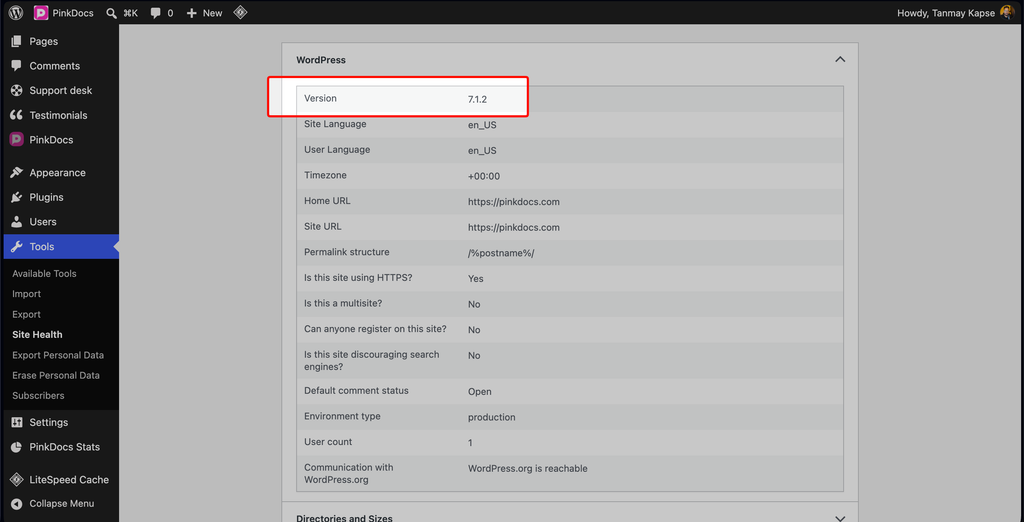
- WordPress: Version 6.0 or higher (tested up to 6.8)
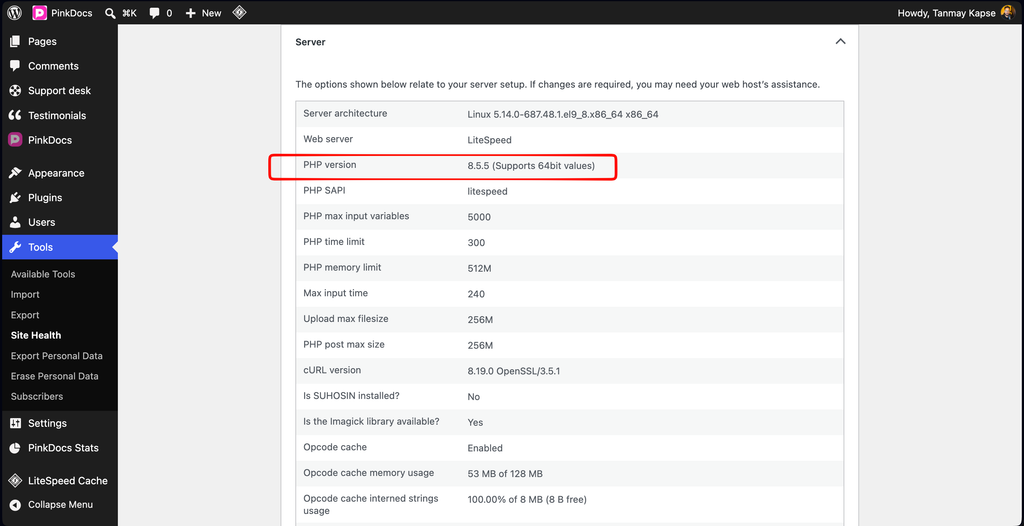
- PHP: Version 7.4 or higher
- MySQL/MariaDB: Standard WordPress database requirements
Optional Requirements for AI Features
To utilize AI capabilities such as chatbots, document summaries, and code block features, the following is required:
- OpenAI API Key: Required for AI functionalities. Note that without this key, AI features will not function, but core documentation features will remain operational.
Browser Requirements
- Modern browsers with JavaScript enabled
- Responsive design (mobile-first)
- CSS Grid and Flexbox support
- ES6+ JavaScript support
Recommended Specifications
- PHP: 7.4+ (8.0+ recommended)
- WordPress: 6.0+ (latest stable recommended)
- Memory Limit: 128MB+ (256MB+ recommended)
- Upload Size: Sufficient for media files
- HTTPS: Recommended for security
Installation Requirements
- WordPress installation (6.0+)
- PHP 7.4+
- Theme upload capability
- File system write permissions (for CSS compilation)
- Node.js and npm (for development/customization)
FAQ
What versions of PHP and WordPress are supported?
The application supports WordPress version 6.0 or higher and PHP version 7.4 or higher.
Do I need an OpenAI API key?
Yes, an OpenAI API key is required to access AI features. Without it, only core functionalities will be available.
What if I encounter issues during installation?
Please refer to the Troubleshooting section below for common issues and their solutions.
Troubleshooting
Common Issues
- Installation Errors: Ensure that all server and installation requirements are met. Check file permissions and PHP version.
- API Key Issues: Verify that your OpenAI API key is valid and correctly configured in the application settings.
- Browser Compatibility: Make sure you are using a modern browser with JavaScript enabled to avoid functionality issues.
For further assistance, consult the community forums or the support documentation available on the official website.