
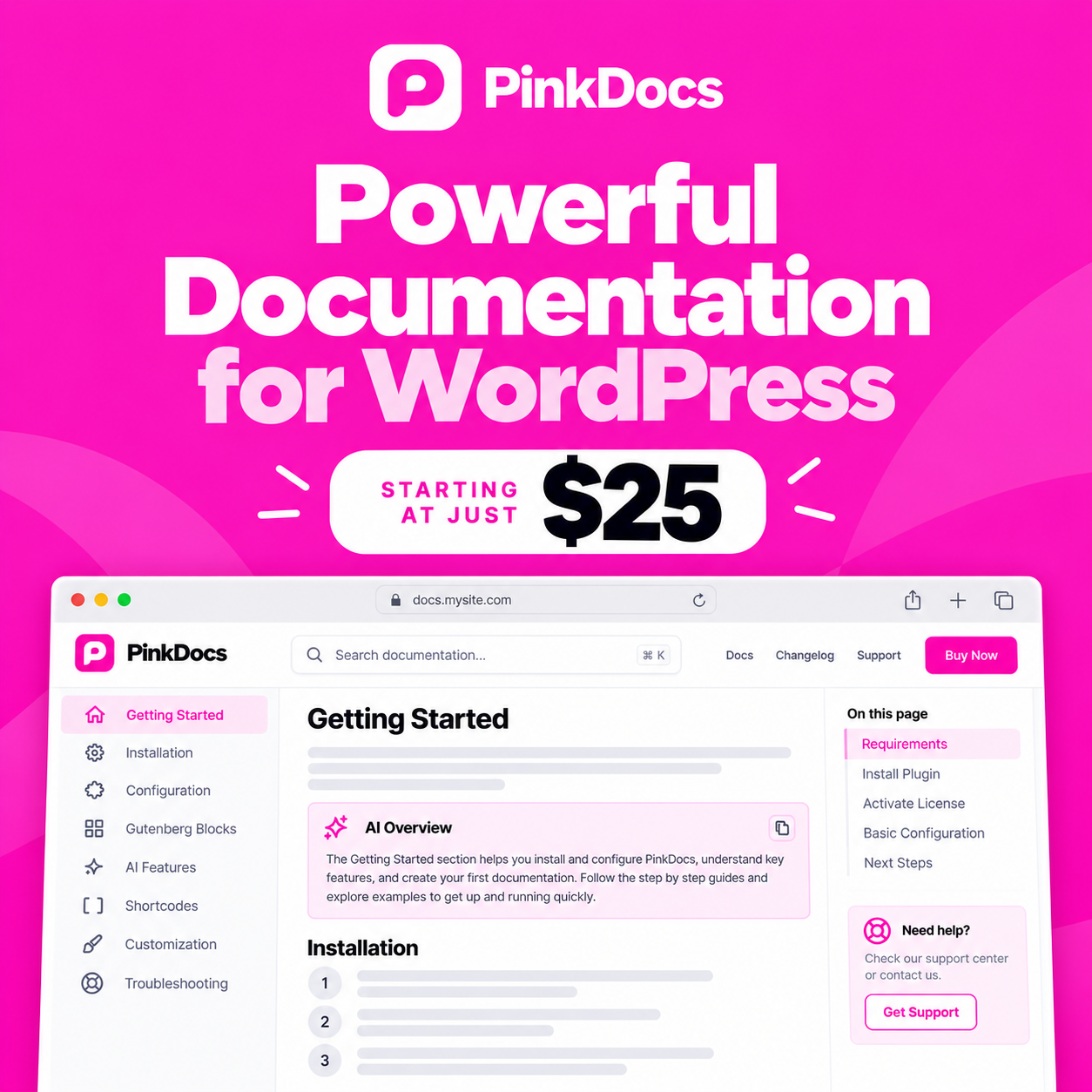

Find quick answers to the most common questions about PinkDocs. Each answer links to a full guide where you need more detail.
Getting started
PinkDocs is a WordPress plugin for building a searchable help centre inside your own site, with AI features, a changelog and reader feedback. Read the Introduction.
WordPress 6.0 or newer and PHP 7.4 or newer. See System requirements.
Go to pinkdocs.com/account and enter your email address. Dodo Payments emails you a link to sign in to your customer dashboard, where you'll find your licence key and the latest plugin file. See Installing and activating PinkDocs.
At yoursite.com/docs/. It appears once you publish your first doc.
Licence and account
Go to pinkdocs.com/account, enter your email address and click the sign-in link in the email from Dodo Payments. Your licence key is in your customer dashboard.
Sign in to your customer dashboard from pinkdocs.com/account. You can update your payment method, download invoices, and change or cancel your subscription there.
In WordPress, go to PinkDocs → License, paste your key and save.
PinkDocs keeps working, but you won't receive updates until you renew.
Writing and organising
Yes. Search for PinkDocs in the block inserter. See the PinkDocs blocks reference.
Yes. Use the Private status or access control. See Restricting access to docs.
Yes. Create one knowledge base per product. See Managing multiple knowledge bases.
AI features
No. Every feature works without AI. Connect an AI provider only to use the AI features.
Yes. Connect PinkDocs through MCP. See Connecting PinkDocs to Claude and other AI tools.
It answers only from your published docs and shows a fallback message when it can't find an answer.