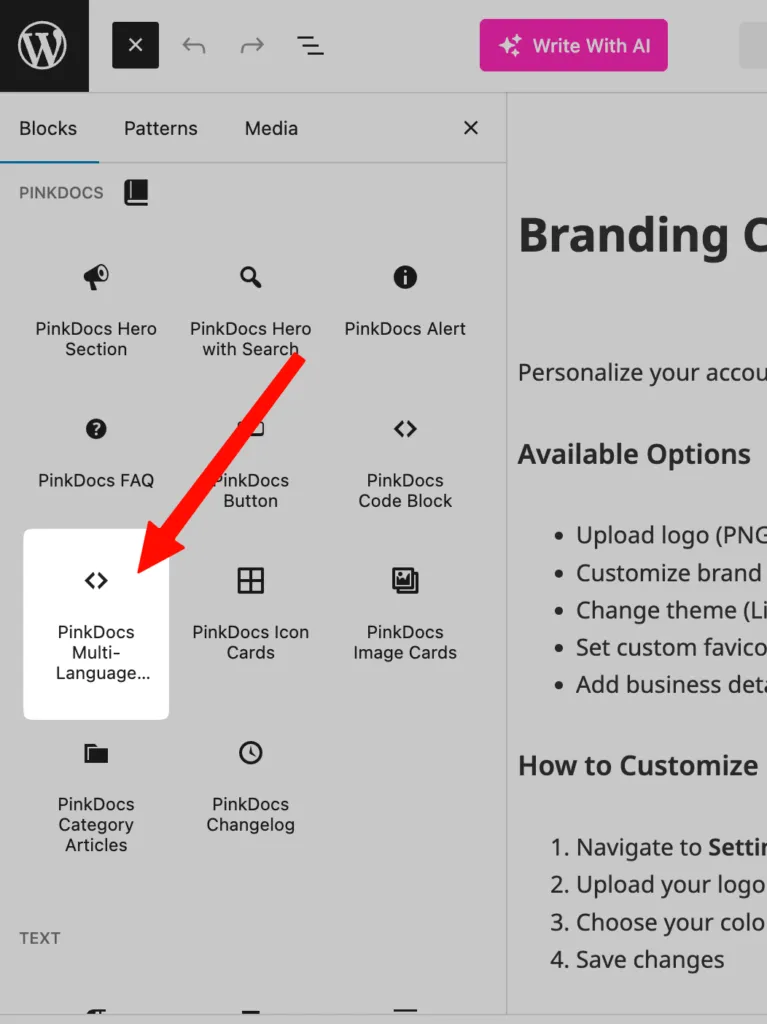


This setting controls the default color mode (light / dark) of your documentation site and whether users can switch between light and dark mode.
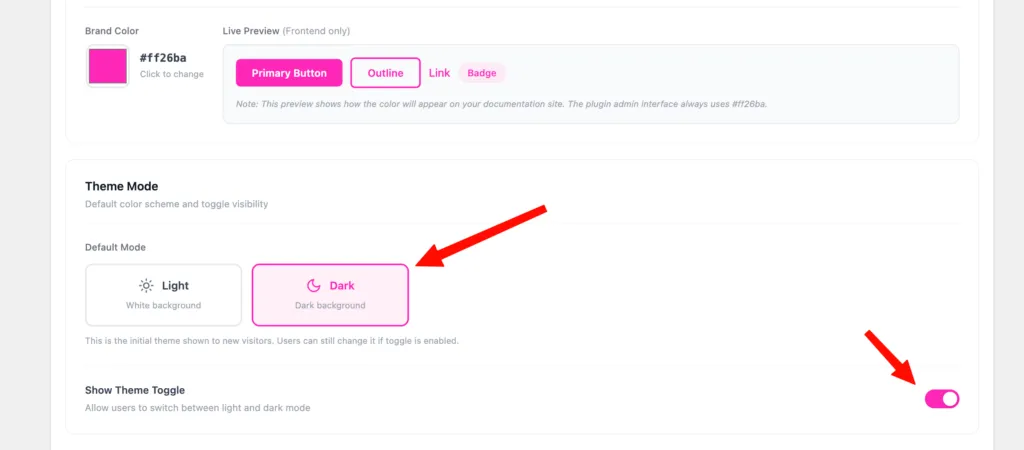
Choose default theme mode
- From your WordPress Admin Dashboard, go to:
PinkDocs → Settings → Appearance
- Under Theme Mode, select one of the following:This will be the initial theme shown to all new visitors.
- Light – White background (best for traditional docs)
- Dark – Dark background (great for developer-focused or night-friendly docs)
Users can still change the theme themselves if the toggle is enabled.
Enable or Disable Theme Toggle
Below the default mode, you’ll see Show Theme Toggle.
- ON → Users can switch between Light and Dark mode
- OFF → Users are locked to the default mode you selected
This toggle usually appears in the documentation header.
Was this page helpful?
Great! What worked best for you?
Please
provide
additional details about your experience.
✓ Thank you for your feedback! We appreciate your input.