

What is OpenAI?
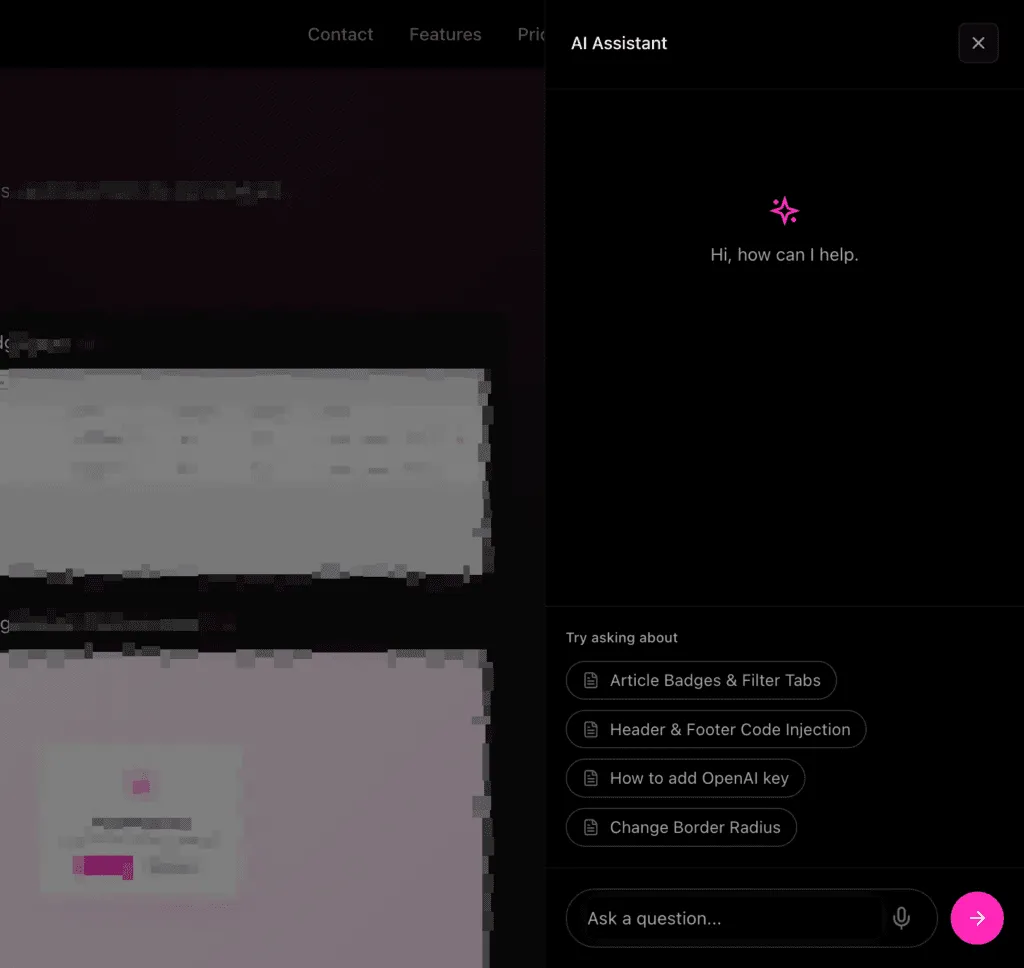
OpenAI provides the AI models that power PinkDocs’ AI features like:
- AI chat inside your documentation
- “Write with AI”
- Summaries and smart suggestions
PinkDocs does not include AI usage by default. You connect your own OpenAI account and control your usage and costs.
OpenAI pricing (important)
OpenAI works on a pay-as-you-go model:
- You are charged only for what you use
- No monthly commitment required
- Pricing depends on the model and number of tokens used
PinkDocs uses lightweight, cost-efficient models by default, so for most documentation sites, usage typically costs a few dollars per month.
You can:
- Set spending limits in your OpenAI dashboard
- Monitor usage at any time
- Rotate or revoke keys whenever you want
Full pricing details are available on the OpenAI website.
How to get your OpenAI API key
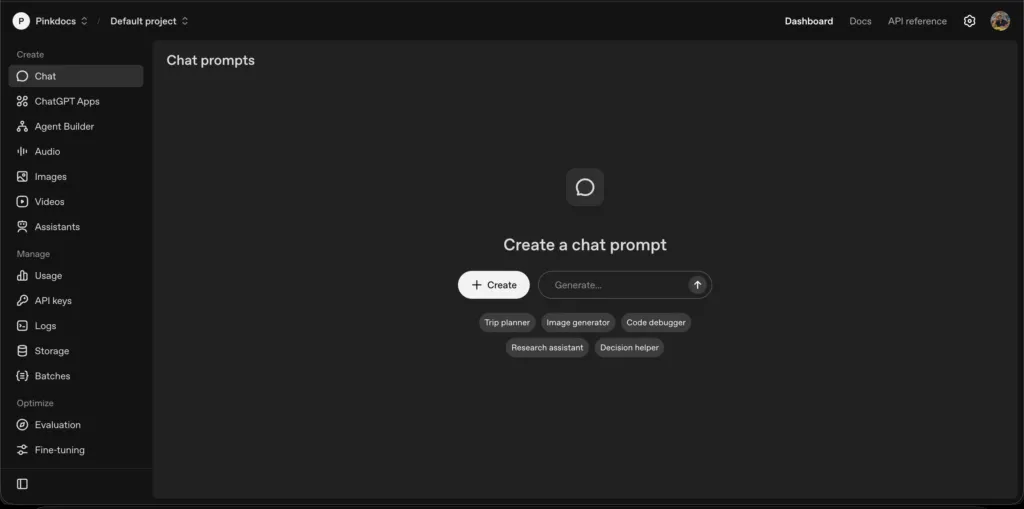
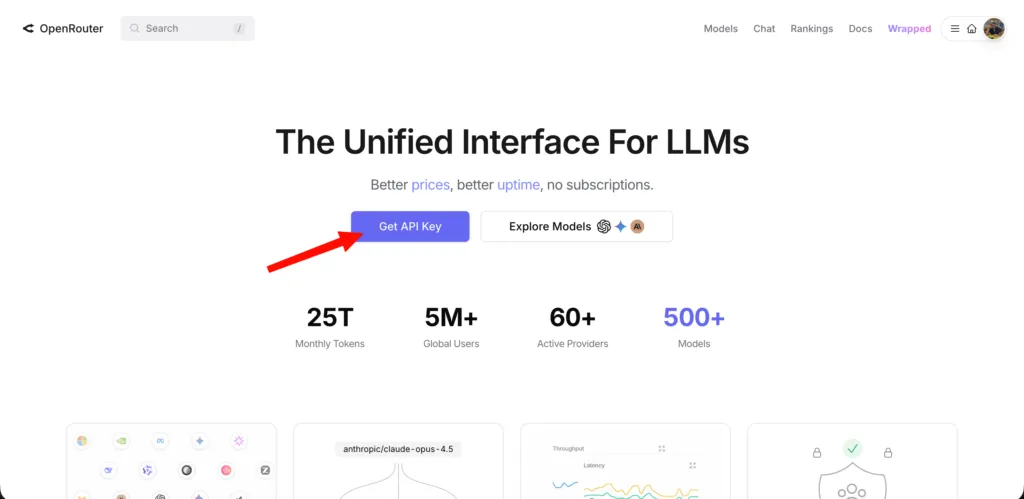
- Go to https://openai.com/index/openai-api/
- Sign in or create an OpenAI account
- Open View API keys from the dashboard
- Click Create new secret key
- Copy the generated key
(You won’t be able to see it again)
Add the key in PinkDocs
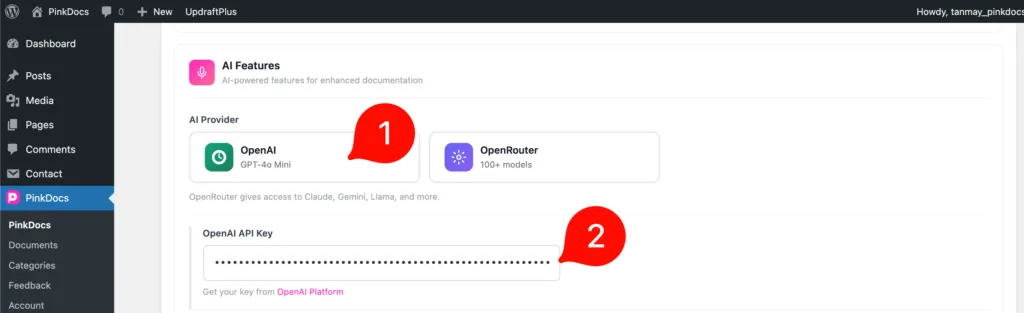
- Go to WordPress Admin → PinkDocs → General
- Under AI Features, select OpenAI
- Paste the key into the OpenAI API Key field
- Click Save Changes
After you have added your API key you can enable and use all the built in AI features.
Was this page helpful?
Great! What worked best for you?
Please
provide
additional details about your experience.
✓ Thank you for your feedback! We appreciate your input.