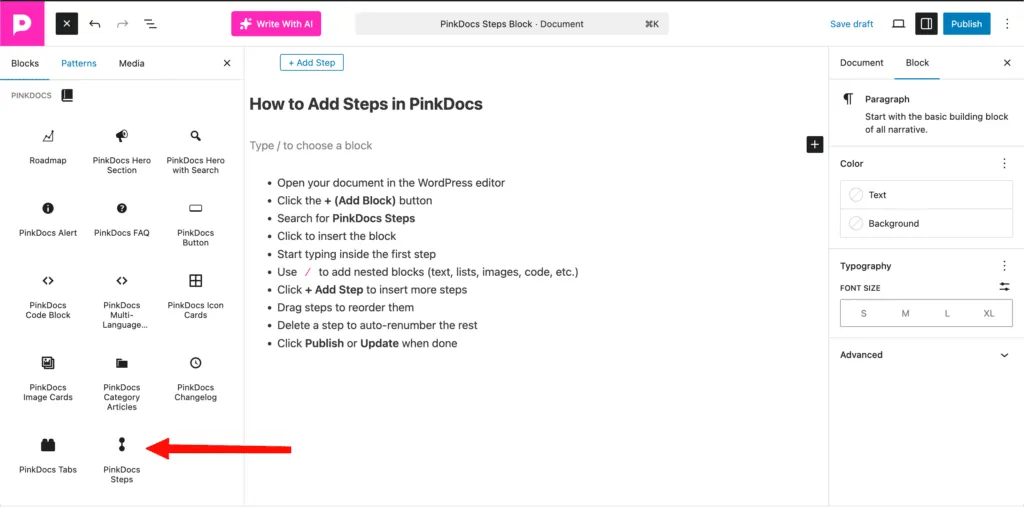


PinkDocs uses the native WordPress block editor (Gutenberg), so writing documentation feels familiar and powerful.
Accessing Documents
- Go to your WordPress Dashboard
- Navigate to PinkDocs → Documents
- Click Add New Document
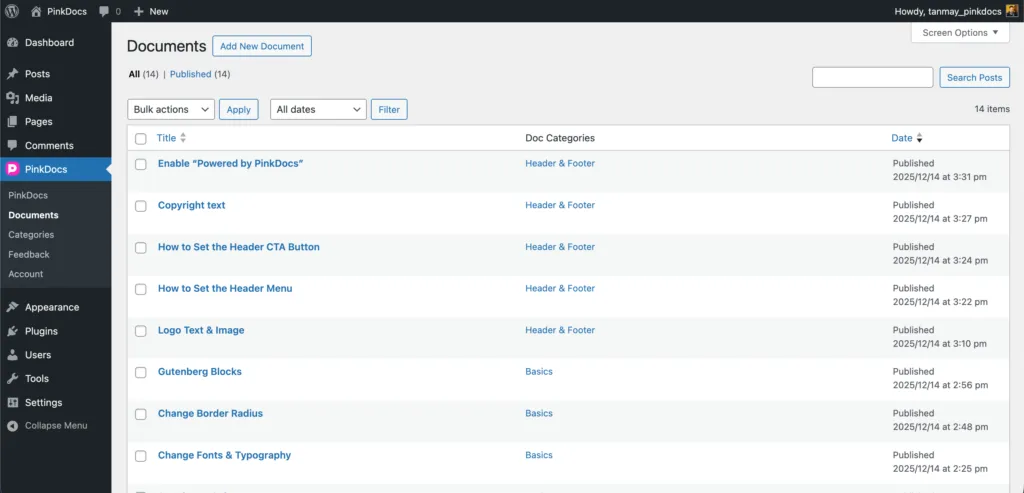
This opens the WordPress editor, fully optimized for documentation.
In some cases, caching can prevent newly created documents under a new category from appearing in the sidebar. To fix this, go to PinkDocs > Menu and simply click Save. This refreshes the menu and ensures the new category and its documents are correctly displayed in the sidebar.
Writing Content with the Block Editor
PinkDocs supports all Gutenberg blocks, allowing you to build rich documentation without any custom editor.
Add Content
- Click inside the editor or press
/ - Choose any block:
- Paragraph
- Headings (H1–H6)
- Lists
- Images
- Tables
- Buttons
- Code blocks
- Columns
- Embeds
- And more
Headings & Structure
- Use Heading blocks to structure your documentation
- Headings automatically integrate with:
- Table of contents
- Navigation
- Search indexing
Using Advanced Blocks
You can also use:
- Core WordPress blocks
- Third-party Gutenberg blocks
- PinkDocs custom blocks (if enabled)
This makes PinkDocs compatible with your existing workflow and plugins.
Styling & Formatting
From the Block Settings panel on the right, you can:
- Change text and background colors
- Adjust typography and font sizes
- Control spacing and alignment
- Apply advanced block options
All styles automatically match your PinkDocs theme.
Saving & Publishing
- Click Save Draft to continue later
- Click Publish to make the document live
- Documents appear instantly in your documentation layout
Key Benefits
- Uses WordPress native editor (no learning curve)
- Full Gutenberg block support
- Compatible with all block plugins
- Clean, fast, and structured documentation output
PinkDocs turns the WordPress editor into a powerful documentation tool without locking you into a custom system.
Was this page helpful?
Great! What worked best for you?
Please
provide
additional details about your experience.
✓ Thank you for your feedback! We appreciate your input.