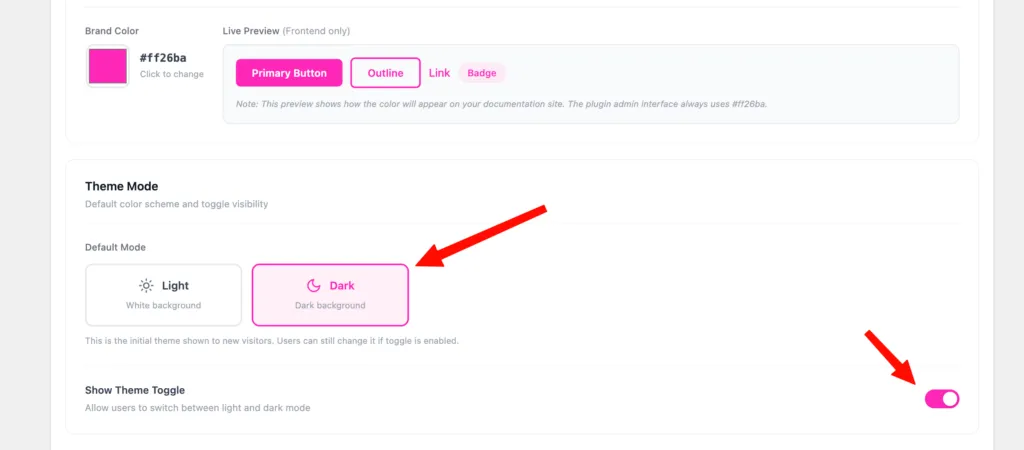


The slug page acts as the homepage for your documentation. It’s the first page users see when they visit your docs and is fully customizable using PinkDocs Gutenberg blocks.
Where to Edit the Slug Page
- Go to WordPress Dashboard → Pages
- Find the page used as your documentation slug (for example:
/docs) - Click Edit Page
This opens the WordPress block editor (Gutenberg).
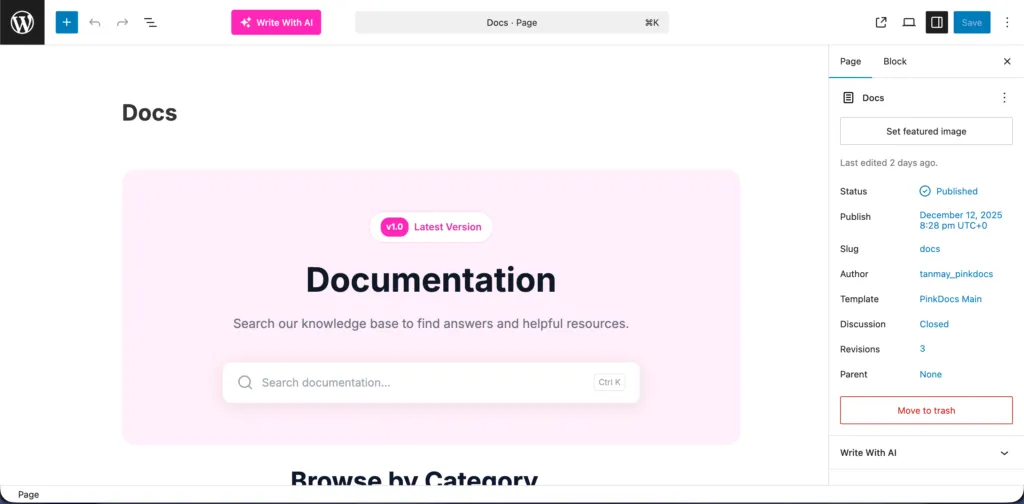
Build Your Docs Homepage with Gutenberg Blocks
You can design your documentation homepage visually using PinkDocs blocks, without any code.
Available PinkDocs Blocks
PinkDocs Hero with CTA
- Large hero section for introductions
- Includes heading, description, and call-to-action button
- Ideal for onboarding users or linking to “Get Started”
PinkDocs Hero with CTA
Use this block to create a strong introduction with a heading, short description, and a call-to-action button. Ideal for onboarding users or directing them to a “Get Started” guide.
PinkDocs Hero with Search Bar
Adds a prominent search experience at the top of your docs, allowing users to quickly find articles and answers.
PinkDocs Category Cards
Displays your documentation categories as clickable cards. Categories are pulled automatically and help users navigate your docs easily.
PinkDocs Icon Cards
Feature-style cards with icons and text. Useful for highlighting important sections, features, or documentation areas.
PinkDocs Image Cards
Visual cards with images and titles. Great for product-based documentation or visually guided navigation.
FAQ Block
Add frequently asked questions directly on your docs homepage. Helps answer common questions and reduces support requests.
Changelog Block
Show product updates and version history in a clean, readable format. Keeps users informed about recent changes.
How It Works
All PinkDocs blocks are native Gutenberg blocks. You can reorder, edit, and customize them visually, and they automatically match your PinkDocs design and styling.
Best Practices
Start with a hero section or search bar for clarity, use category cards for navigation, add FAQs for quick answers, and include a changelog to show active development.
The documentation slug page in PinkDocs becomes a fully customizable documentation hub, giving you complete control over structure, layout, and user experience.