
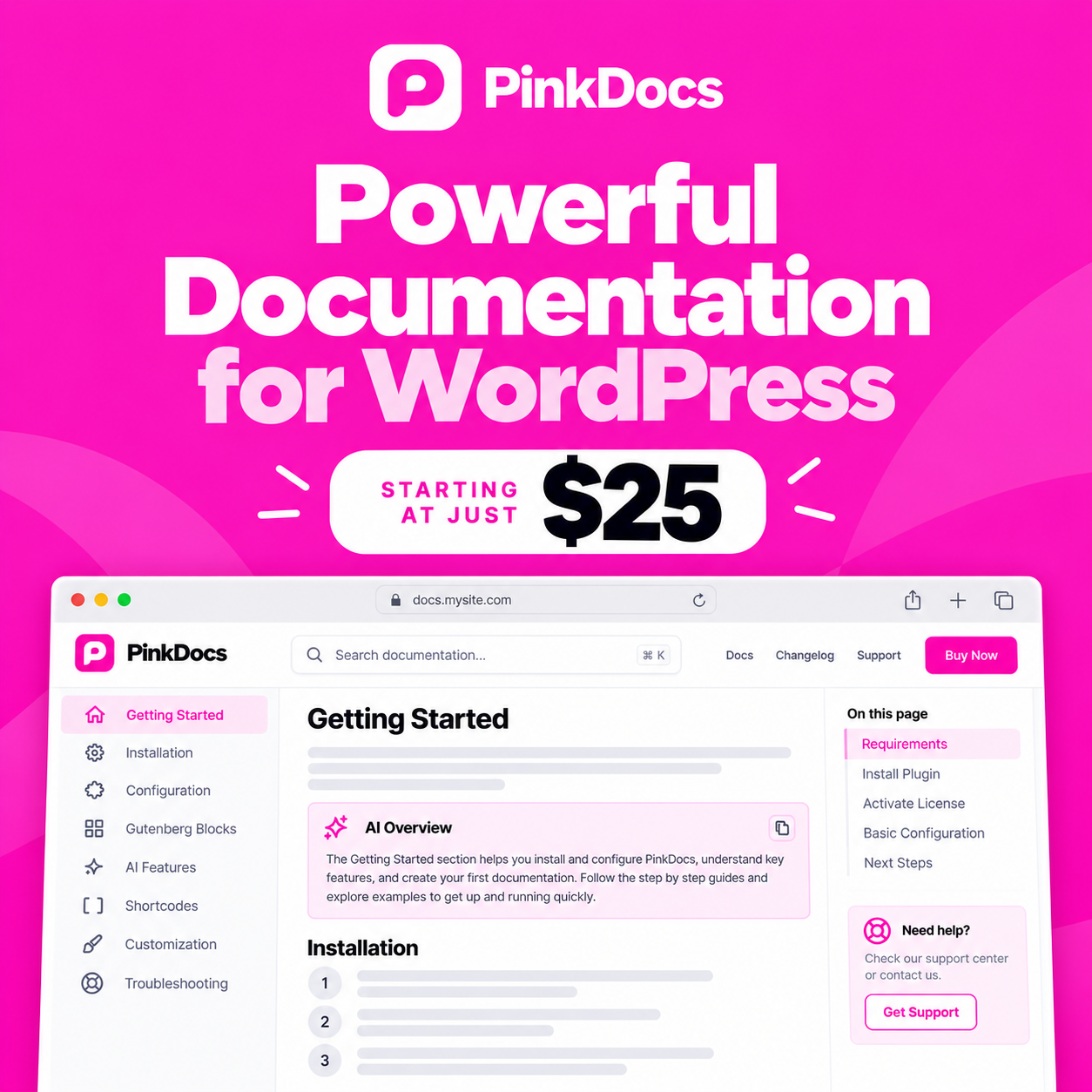

Welcome to PinkDocs, a documentation and knowledge base plugin for WordPress.
PinkDocs helps you build a fast, searchable and well-organised help centre directly inside your WordPress website. Whether you are documenting a WordPress plugin, a SaaS product, a service or your internal processes, PinkDocs gives you the tools to write, organise and manage everything in one place.
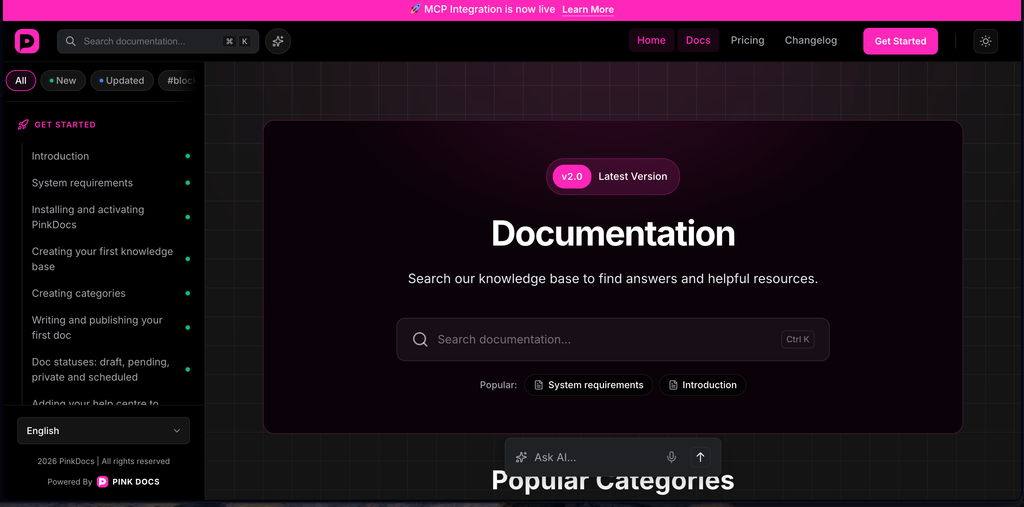
How this help centre is organised
The categories follow the order you'll need them: set up first, then make it yours, then grow it.
| Category | What you’ll find |
|---|---|
| 1. Get Started | Install PinkDocs, create your first knowledge base and categories, write your first doc and learn the blocks you write with. |
| 2. Customise | Make it look like your brand: colours, fonts, homepage layout, doc and category pages, URLs, CSS and templates. |
| 3. Features | Organise and order docs, tags, live search, feedback, the changelog, analytics, multiple knowledge bases and access control. |
| 4. AI Features | The AI assistant, AI insights and content gaps, connecting AI tools (MCP), AI-suggested edits, AI crawlers and privacy. |
| 5. API reference | Document a REST API with the API blocks, or import an OpenAPI file, with sample endpoint pages. |
| 6. Miscellaneous | FAQs, troubleshooting, support, import and export, translation and uninstalling. |
New to PinkDocs?
Work through the Get Started articles in order. In about 15 minutes you'll have a live help centre with your first published doc. Then pick what you need from Customise and Features.
Quick Links
Was this page helpful?
Great! What worked best for you?
Please provide additional details about your experience.
Thank you for your feedback!
We appreciate your input.