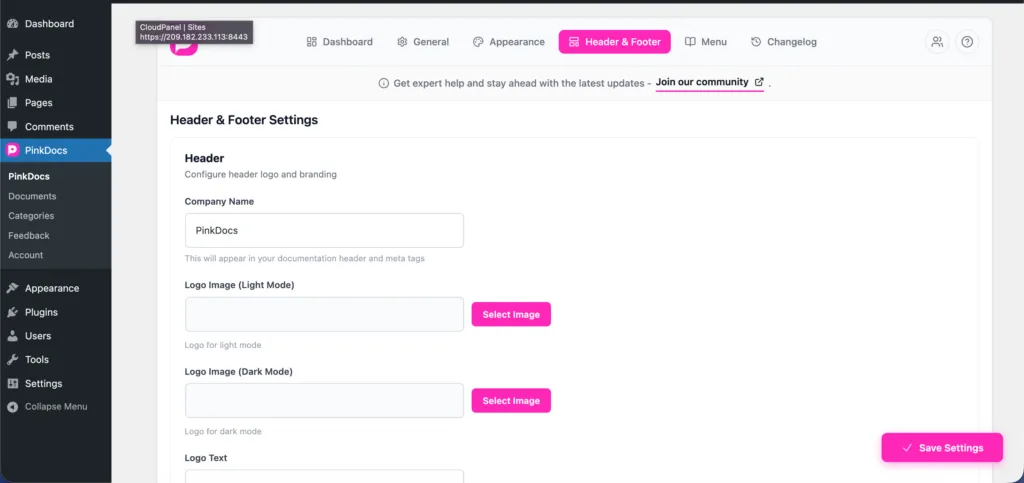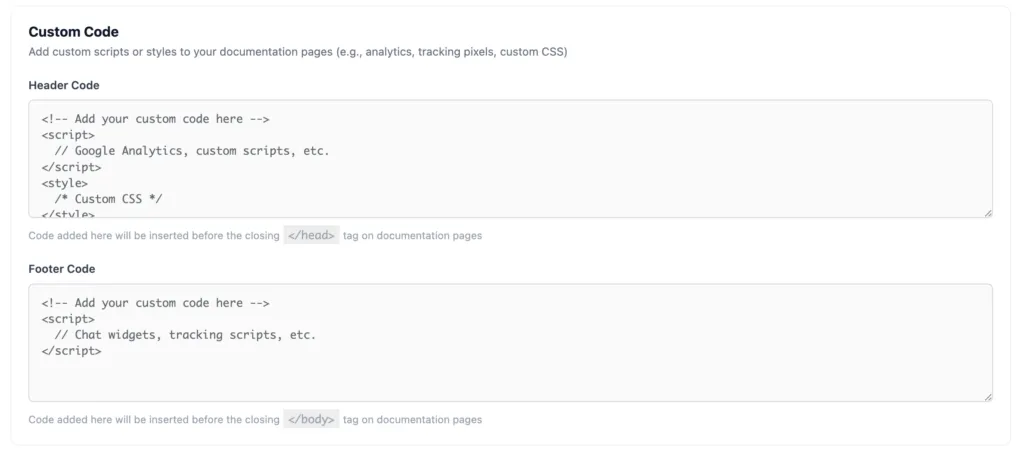


Location: Plugin Settings → Header & Footer → Footer
Steps
- Go to Plugin Settings → Header & Footer
- Scroll to the Footer section
- Find the Copyright Text field
- Enter the text you want to display in the footer
Example:© 2025 Your Company. All rights reserved. - Click Save Settings
How It Works
- The text is displayed at the bottom of all documentation pages
- Supports plain text and symbols (©)
- Changes apply instantly across your documentation
- Does not affect your WordPress theme footer
Best Practices
- Include the current year
- Use your company or brand name
- Keep it short and professional
This ensures your documentation stays legally clear and properly branded.
Was this page helpful?
Great! What worked best for you?
Please
provide
additional details about your experience.
✓ Thank you for your feedback! We appreciate your input.